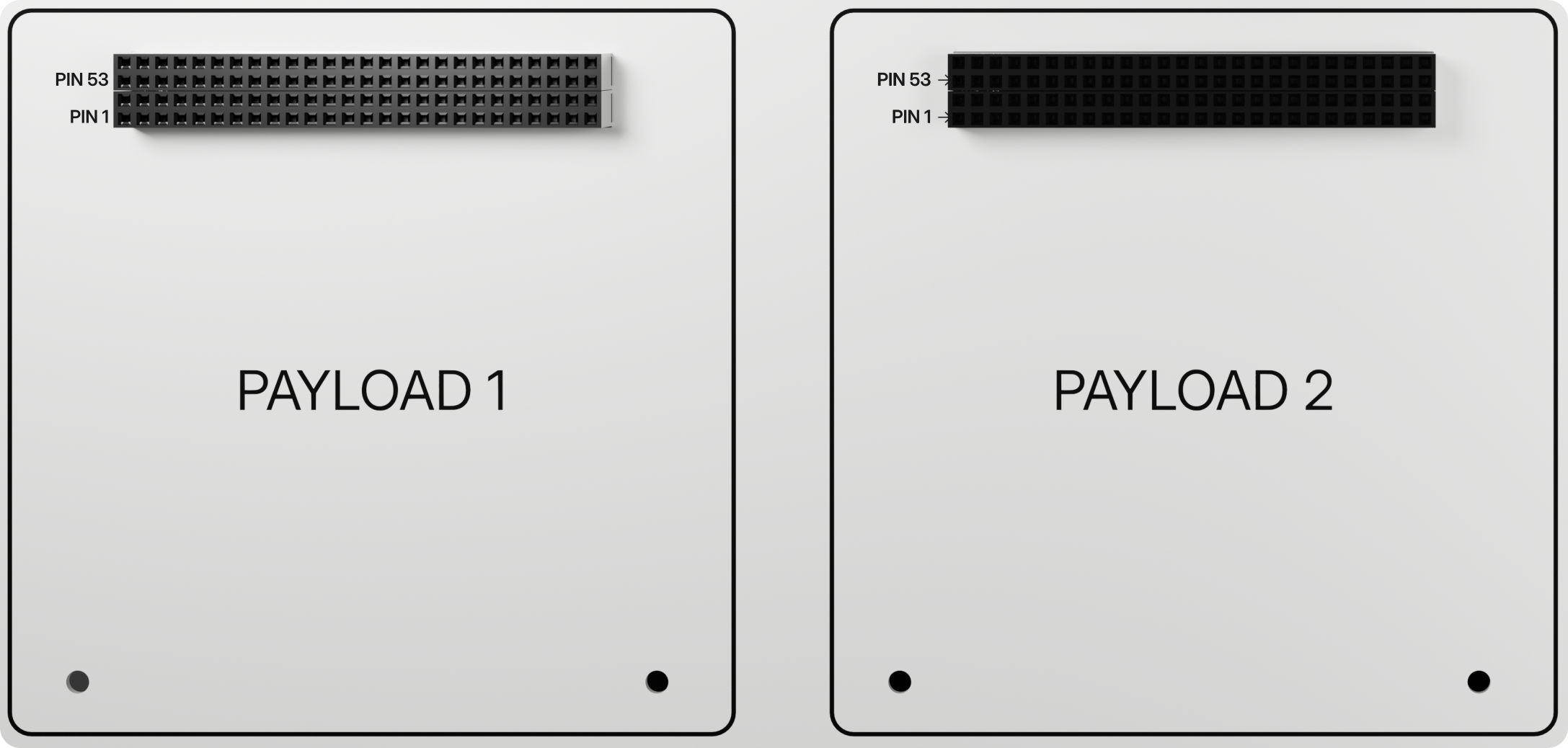
Payload
Camera Payload Subsystem
The Camera Payload represents the primary "mission" of the FlatSat satellite. It consists of a high-resolution imaging system designed to capture visual data of the "Earth" (or its surroundings) and transmit that data to the On-Board Computer (OBC) for processing and storage.
Technical Specifications
The payload is built to provide high-quality imagery while maintaining a low power profile suitable for small satellite operations:
- Resolution: 5 Megapixels.
- Image Format: Supports compressed JPEG output, which is ideal for reducing the data volume transmitted over satellite radio links.
- Interface: Uses a combination of high-speed SPI for transferring large image data and I2C for camera configuration and control.
- Control Logic: The payload is directly managed by the STM32F429ZI MCU on the OBC.
Hardware Connectivity
The Camera Payload is connected to the OBC via several dedicated pins to ensure high-speed data handling:
| Interface | OBC Pin | Function |
|---|---|---|
| SPI CS | PE7 | Chip Select for the Camera module. |
| SPI MOSI | PB15 | Master Out Slave In for data transmission. |
| SPI MISO | PB14 | Master In Slave Out for data reception. |
| SPI SCK | PB13 | Serial Clock. |
| I2C SDA | PB9 | Serial Data for camera configuration. |
| I2C SCL | PB8 | Serial Clock for camera configuration. |
Note: In some software implementations, SPI pins may be dynamically remapped to PB3, PB4, and PB5 to avoid conflicts with other SPI peripherals like the Flash memory.
Mission Operations
The typical operational flow for the camera payload involves the following steps:
- Initialization: The OBC initializes the camera sensor via the SPI/I2C interface.
- Capture: The OBC sends a "take picture" command.
- Buffering: Image data is read from the camera's internal memory in small chunks (buffers).
- Storage: The OBC writes these chunks sequentially to the Micro SD card (using the PC9/PC10/PC11/PC12 pins) to create a final
.jpgimage file.
Example Code
The following example code demonstrates how to trigger a picture capture and save the resulting file to the on-board SD card.
| Feature | Description | Code Link |
|---|---|---|
| Camera to SD | Capture a 5MP image and save it as a JPEG file on the SD card. | obc_camera2sd.ino |
PC104 Payload Expansion
The payload could be expanded with PC104 header